Instagram Carousel Size: 1080×1440 (3:4), Up to 20 Slides
Use 1080 × 1440 (3:4). Instagram keeps carousel photos from 1.91:1 to 3:4 at full quality, takes up to 20 slides, and gives every slide the first one's shape.
On this page
The best Instagram carousel size is 1080 × 1440 pixels (3:4). Instagram keeps a photo at its original resolution when it's 320 to 1080 pixels wide and between 1.91:1 and 3:4, which means 1080 × 566 to 1080 × 1440 pixels.[1] A carousel holds up to 20 photos and videos, and every slide takes the shape you choose for the first one.[2]
If you post through a scheduling tool, check one more thing. Meta's API documentation still lists 4:5 (1080 × 1350) as the tallest shape, but a 3:4 carousel published through the API in our own test on November 6, 2026.
Key takeaways
- Best size: 1080 × 1440 (3:4). It's the tallest shape Instagram keeps without cropping, so each slide fills more of the feed.[1]
- Up to 20 slides. The app lets you put up to 20 photos and videos in one carousel.[2]
- One shape per carousel. The shape you choose for the first slide applies to every slide. You can't mix portrait and landscape.[2]
- Scheduling tools may differ. Meta's API docs still say 4:5 is the tallest[3] and give two different slide limits, 20 and 10.[4][5]
- The profile grid crops. Since January 2025, the grid shows posts as tall rectangles, so keep key text away from the edges of the first slide.[6]
Instagram carousel sizes at a glance
| Shape | Ratio | Size (pixels) | In the Instagram app | Through Meta's API (scheduling tools) |
|---|---|---|---|---|
| Portrait, tallest | 3:4 | 1080 × 1440 | Yes | Not in the docs, but it worked in our test |
| Portrait | 4:5 | 1080 × 1350 | Yes | Yes |
| Square | 1:1 | 1080 × 1080 | Yes | Yes |
| Landscape | 1.91:1 | 1080 × 566 | Yes | Yes |
| Limit | In the Instagram app | Through Meta's API (scheduling tools) |
|---|---|---|
| Slides per carousel | Up to 20 photos and videos | Up to 20 in the publishing guide (and in our test); the error-code page still says 10 |
| Image width | Kept from 320 to 1080 px; wider photos are resized to 1080 px | Scaled to between 320 and 1440 px |
| Image file | — | JPEG only, 8 MB or smaller |
| Mixed shapes | No. The first slide's shape applies to all | No. Images are cropped to match the first image |
Last reviewed: November 6, 2026. Meta changes these limits from time to time, so check the sources at the end of this post.
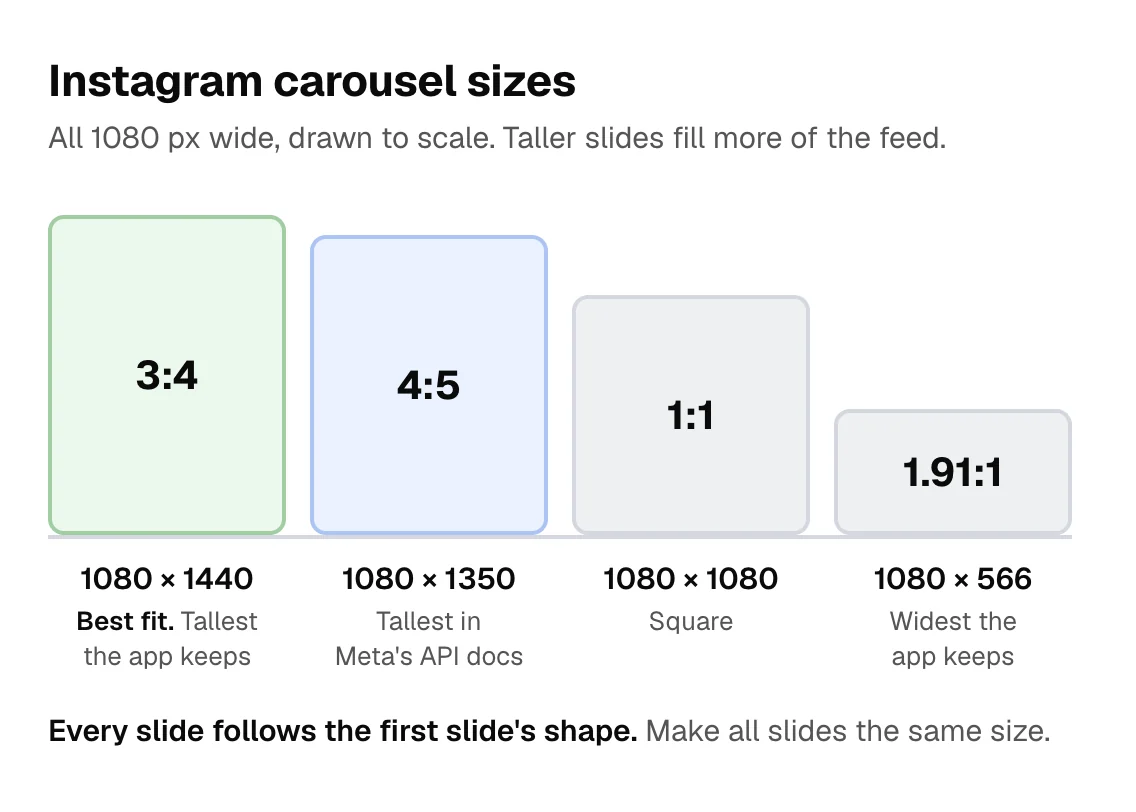
Here's how the four shapes compare at the same width:
Which size should you use?
- 3:4 (1080 × 1440): Use it when you post from the app, or from a tool that accepts 3:4. It's the tallest shape Instagram keeps at full resolution, so each slide takes up the most screen space.
- 4:5 (1080 × 1350): Use it if your scheduling tool rejects 3:4. It's the tallest shape listed in Meta's API docs.
- 1:1 (1080 × 1080): Use it if you reuse square designs on other platforms. It takes up less of the feed than either portrait shape.
- 1.91:1 (1080 × 566): Landscape. It takes up the least room in the feed.
Make your slides at least 1080 pixels wide. Instagram enlarges anything narrower than 320 pixels and resizes anything wider than 1080 pixels to 1080.[1]
How many slides can an Instagram carousel have?
In the Instagram app, you can put up to 20 photos and videos in one carousel.[2]
Through Meta's API, the documentation disagrees with itself. The publishing guide says, "Carousels are limited to 20 images, videos, or a mix of the two."[4] But the error-code page still describes the limit as "at least 2 photos/videos and no more than 10 photos/videos."[5] The guide is the one that matches reality: on November 6, 2026, we published a 20-slide carousel through Meta's API with our own account. Some scheduling tools still stop at 10 slides, though, so check yours before you design a long carousel.
Can you mix portrait and landscape slides?
No. In the app, "the orientation you choose (square, portrait or landscape) affects all of the photos or videos in your post. You can't select a different orientation for each photo or video."[2]
Meta's API works the same way: "Carousel images are all cropped based on the first image in the carousel, with the default being a 1:1 aspect ratio."[4] To avoid surprise crops, make every slide the same size as the first one. To resize photos to the same aspect ratio, use our free Instagram post size resizer.
Can scheduling tools post 3:4 carousels?
Meta's API documentation says images "must be within a 4:5 to 1.91:1 range," and its error list includes a message for images whose aspect ratio "cannot be published."[3][5] By that rule, 3:4 is too tall.
In practice, the API now accepts it. On November 6, 2026, we published a single 1080 × 1440 (3:4) image and a two-slide 3:4 carousel through Meta's API with our own Instagram account. Both went live, and Instagram kept every slide at 1080 × 1440 instead of cropping it to 4:5.
Two things to keep in mind:
- We didn't test shapes taller than 3:4, such as 2:3 or 9:16.
- Some scheduling tools follow the documentation and still block 3:4 uploads. If yours does, use 4:5.
What your profile grid shows
Since January 2025, Instagram's profile grid shows posts as tall rectangles instead of squares. When someone opens a post, they see it at its full size.[6] Because the grid is only a preview, keep your headline and other key text away from the edges of the first slide.
How to make and schedule Instagram carousels with Posteady
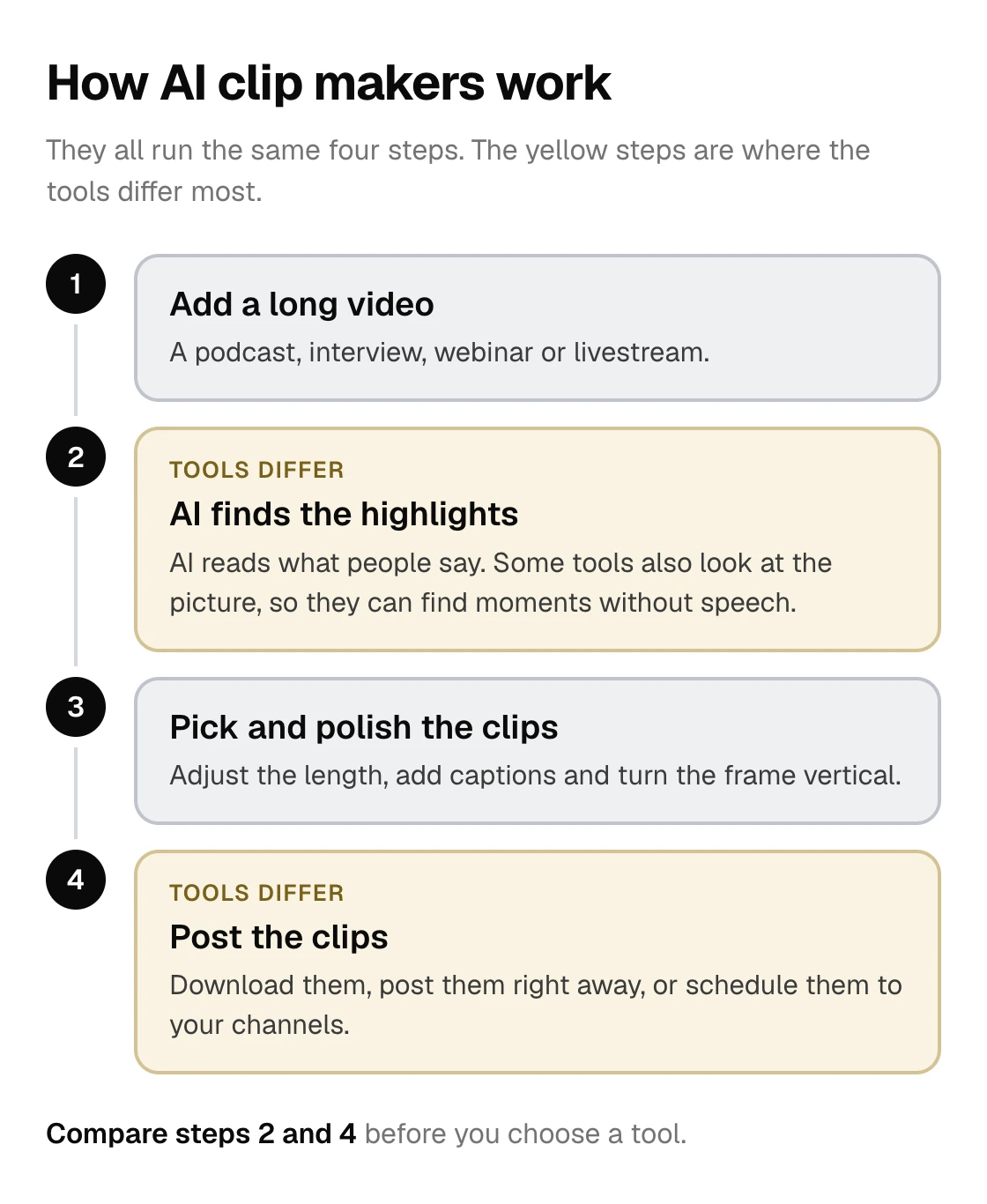
Posteady is our social media scheduling and analytics tool for marketers, creators and agencies. Its carousel maker turns a link, a file or a short topic into a designed carousel. With AI design, you review a slide-by-slide plan before the slides are made. You can then edit the text, shapes and images on each slide.
- Sizes: 1:1, 3:4, 4:5, 9:16 or 16:9. New carousels start at 3:4.
- Slides: up to 20 per carousel.
- Instagram: you can schedule a full carousel straight to Instagram, up to 20 slides in one post.
To try it, click New post in Posteady and choose Create carousel. See AI carousel maker for how it works, and Instagram scheduling in Posteady for posting.
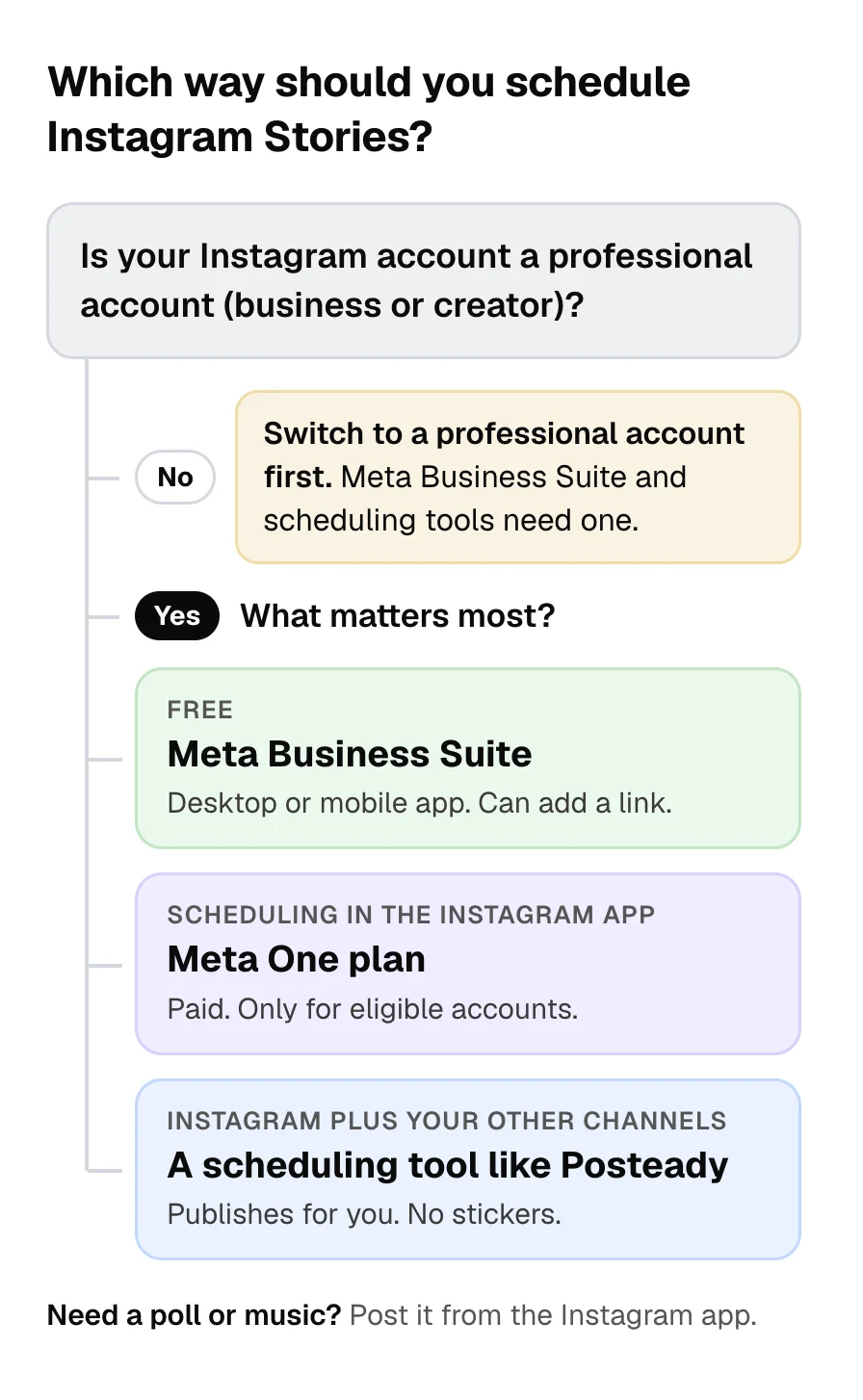
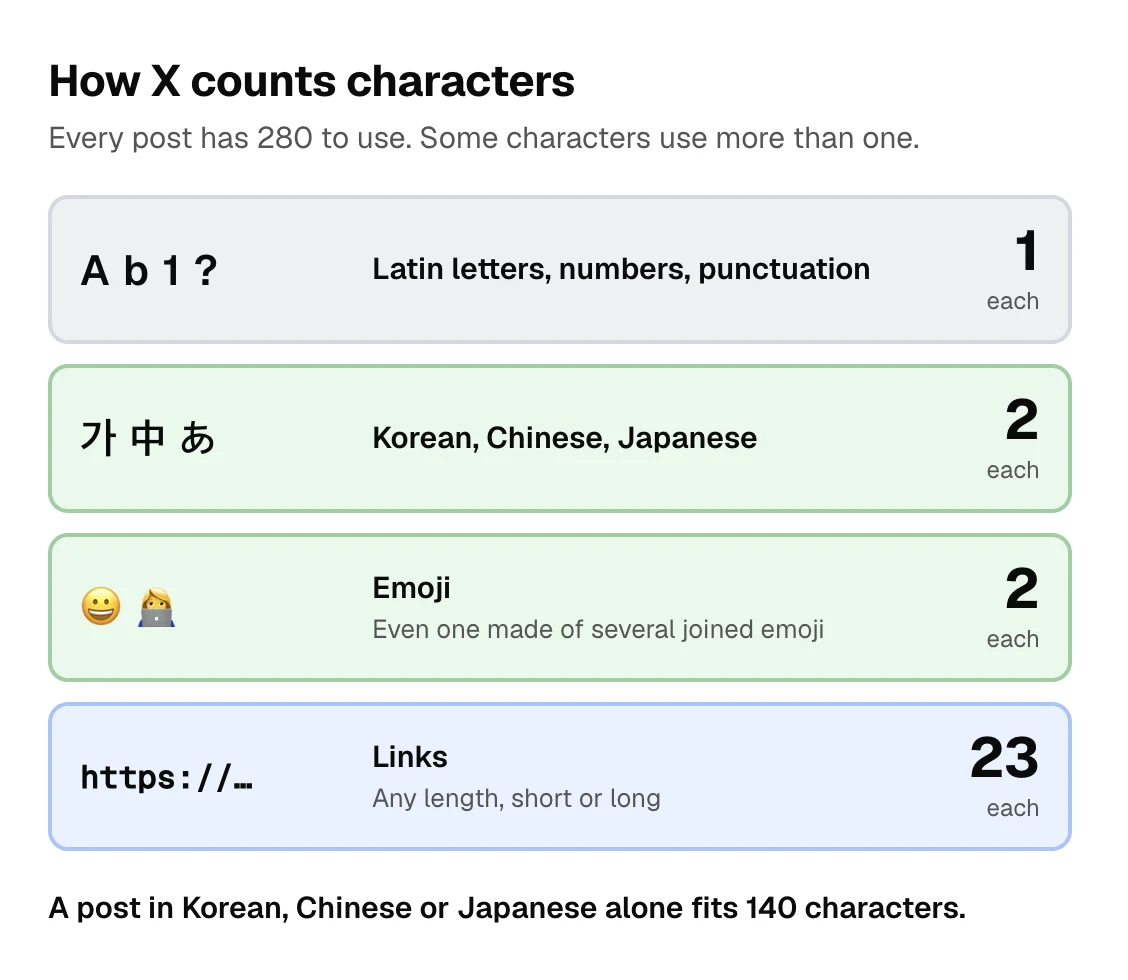
For caption and hashtag limits, see social media character limits. To schedule Stories, see how to schedule Instagram Stories.
Frequently asked questions
What size is an Instagram carousel post?
1080 × 1440 pixels (3:4) is the largest size Instagram keeps in the app. 1080 × 1350 (4:5) and 1080 × 1080 (1:1) also work.
How many photos can you put in an Instagram carousel?
Up to 20 photos and videos in one post, as of November 6, 2026. Some scheduling tools still allow only 10.
Can you mix different sizes in one Instagram carousel?
No. Every slide takes the shape of the first one, so make all slides the same size.
Does Instagram support 3:4 (1080 × 1440)?
Yes. The app keeps 3:4 photos at full resolution. Meta's API docs still say 4:5 is the tallest, but a 3:4 carousel published without cropping in our test on November 6, 2026.
Why is Instagram cropping my carousel?
Usually because a slide is taller than 3:4 or wider than 1.91:1, or because its shape doesn't match the first slide.
Sources
-
Instagram Help Center, Image resolution of photos you share on Instagram. Checked November 6, 2026. ↩︎ ↩︎ ↩︎
-
Instagram Help Center, Share a post with multiple photos or videos on Instagram. Checked November 6, 2026. ↩︎ ↩︎ ↩︎ ↩︎ ↩︎
-
Meta for Developers, IG User Media reference (Image Specifications). Checked November 6, 2026. ↩︎ ↩︎
-
Meta for Developers, Content Publishing (carousel posts). Checked November 6, 2026. ↩︎ ↩︎ ↩︎
-
Meta for Developers, Instagram Platform error codes (2207028 and 2207009). Checked November 6, 2026. ↩︎ ↩︎ ↩︎
-
Engadget, Instagram swoops in with 3-minute Reels and rectangular profile grids as the TikTok ban gets real, January 18, 2025. Checked November 6, 2026. ↩︎ ↩︎
Written by
Ryan Han · Founder
Ryan Han is the founder of Posteady, a social media scheduling and analytics tool for marketers, creators, and agencies. He builds the product hands-on, checks each platform's scheduling rules and limits against official docs and real posts, and writes up what he finds.